Instructions
- Open the Windows Services Management Console by typing services.msc in the run box.
- Locate the GSX Monitor service and open its properties.
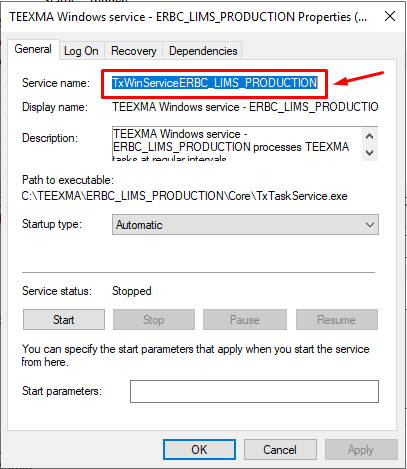
- Take note of the Service name for future use:
4. Open the Task Scheduler by typing Task in the Windows search box:

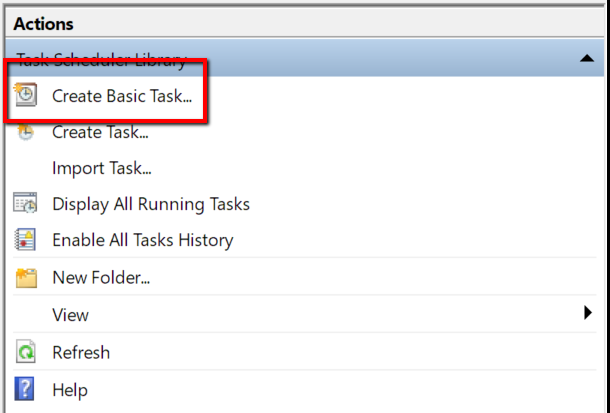
5. Select Create a Basic Task from the Actions list on the right:
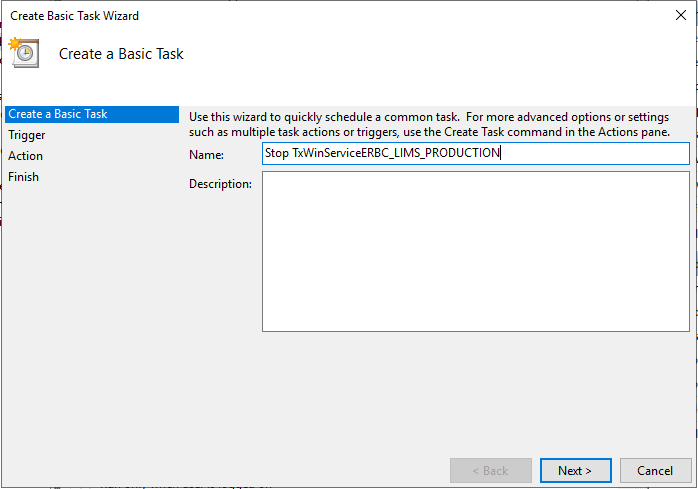
6. Name the task Stop GSX Monitor:
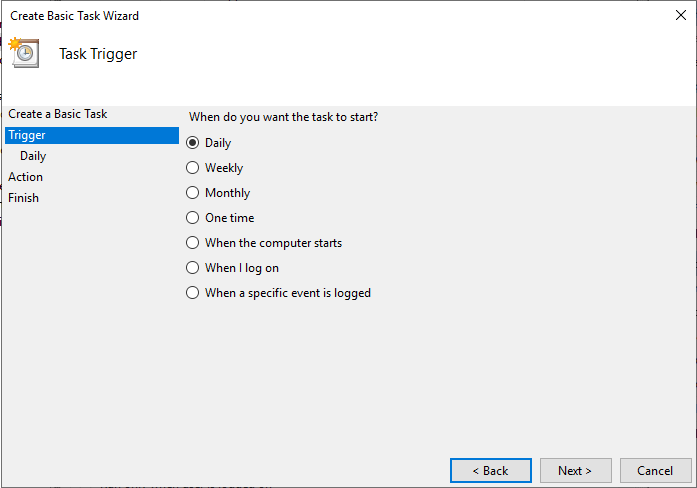
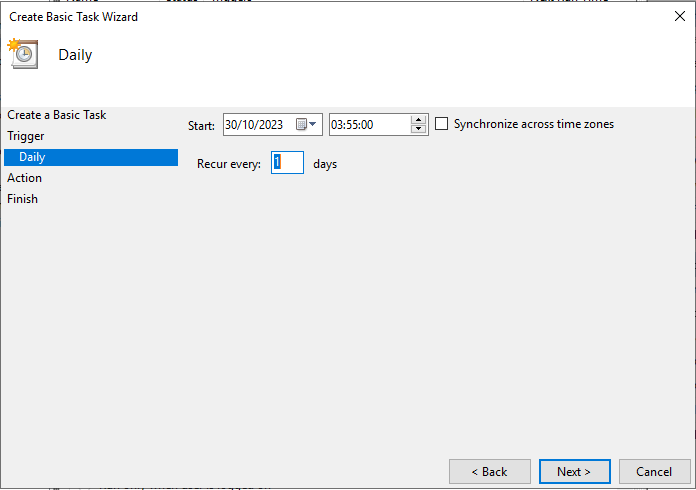
7. Click Next and select Daily Trigger
8. Pick a time where there will be no activity such as 3:55 AM:
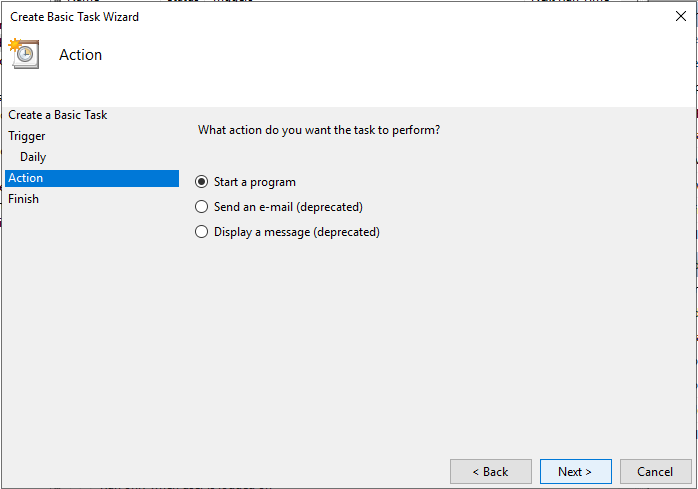
9. Click Next and for the Action select Start a program:
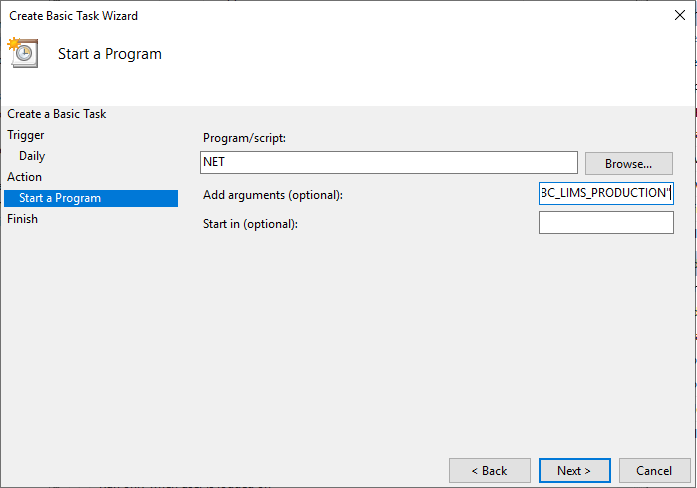
10. For the Program/Script type NET and add the arguments Stop “TxWinServiceERBC_LIMS_PRODUCTION” or service name noted earlier (step #3) if different:
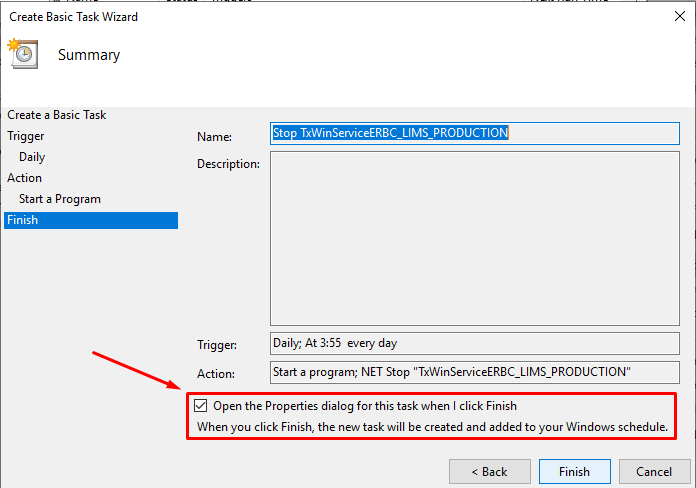
11. Before Finishing, select the Open the Properties dialog option:
12. In the General tab select Run whether user is logged in or not and Run with highest privileges:
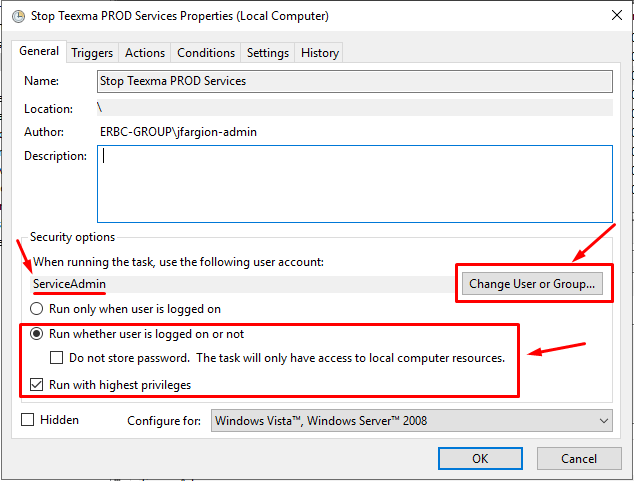
This task will stop the TxWinServiceERBC_LIMS_PRODUCTION service, daily at a chosen time, now we need to create another task to launch it again.
We will start TxWinServiceERBC_LIMS_PRODUCTION 15 minutes later to give the Windows Service some time to close all pending tasks before restarting.
- Select Create a Basic Task from the Actions list on the right.
- Name the task as Start TxWinServiceERBC_LIMS_PRODUCTION Service
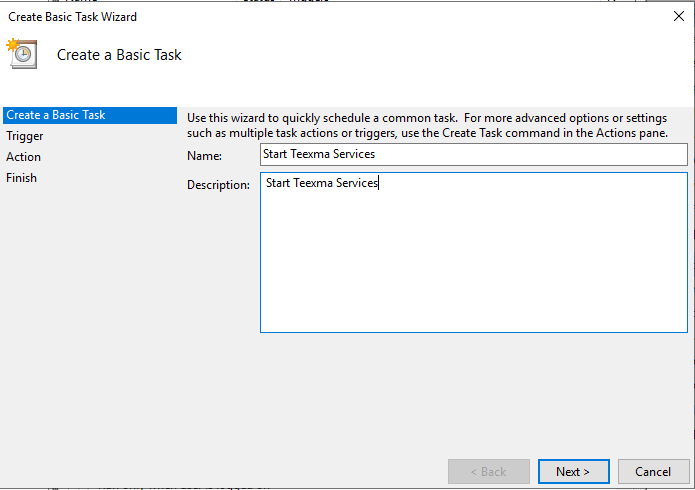
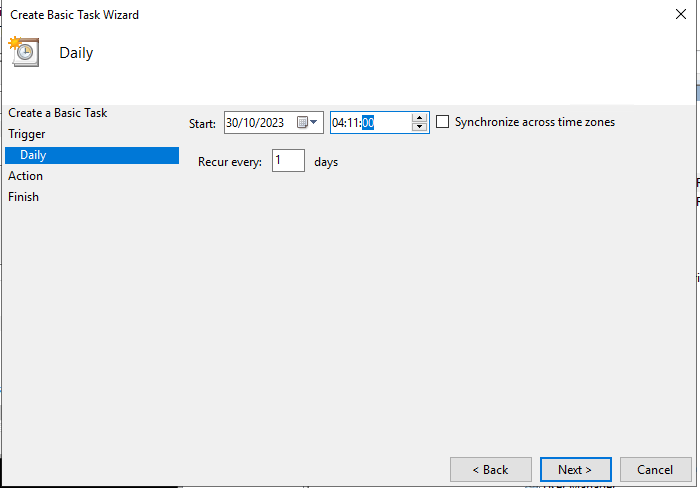
3. Set the Trigger to start Daily at 15 minutes after the stop time set previously:
4. Click Next and for the Action select Start a program.
5. For the Program/Script type NET and add the arguments Start “TxWinServiceERBC_LIMS_PRODUCTION” or service name noted earlier (step #3) if different:
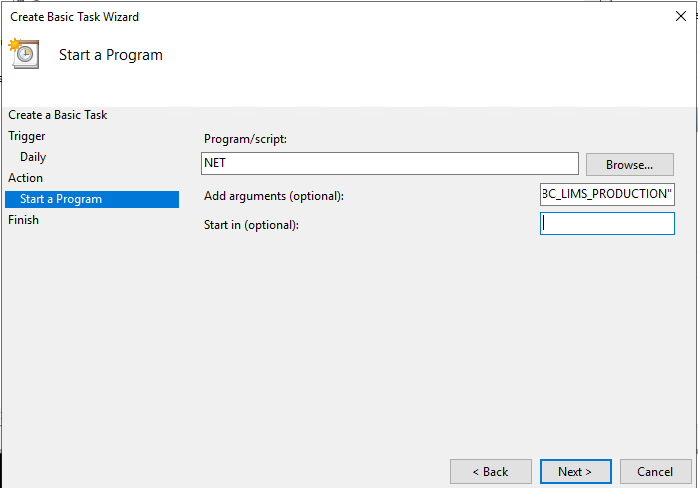
6. Before Finishing, select the Open the Properties dialog option as before.
7. In the General tab, select Run whether user is logged in or not and Run with highest privileges.
You have now created two scheduled tasks, one will stop the TxWinServiceERBC_LIMS_PRODUCTION service and the other will start it again 15 minutes later.