Step 1. Go to the “Start” menu and use the search bar to look for “cmd.” Instead, you can open the “Run” box by pressing the Windows key plus R and then typing “cmd” to launch the terminal.
Step 2. Pick “Run as administrator” from the context menu after right-clicking “cmd.”
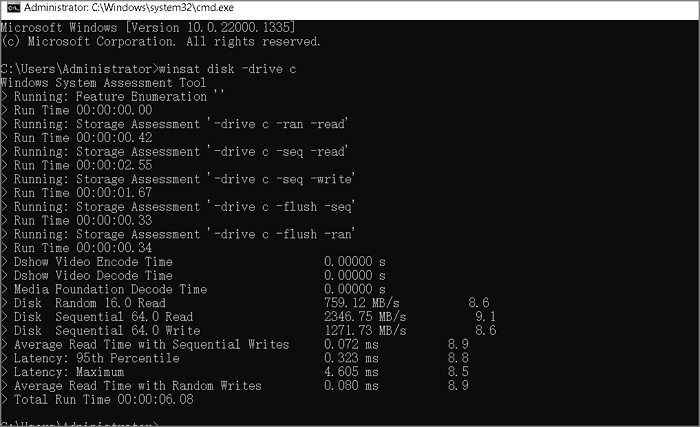
Step 3. At the command prompt window, enter “winsat disc -drive c” and hit “Enter.” Make sure you change the “c” to the letter of the desired drive.