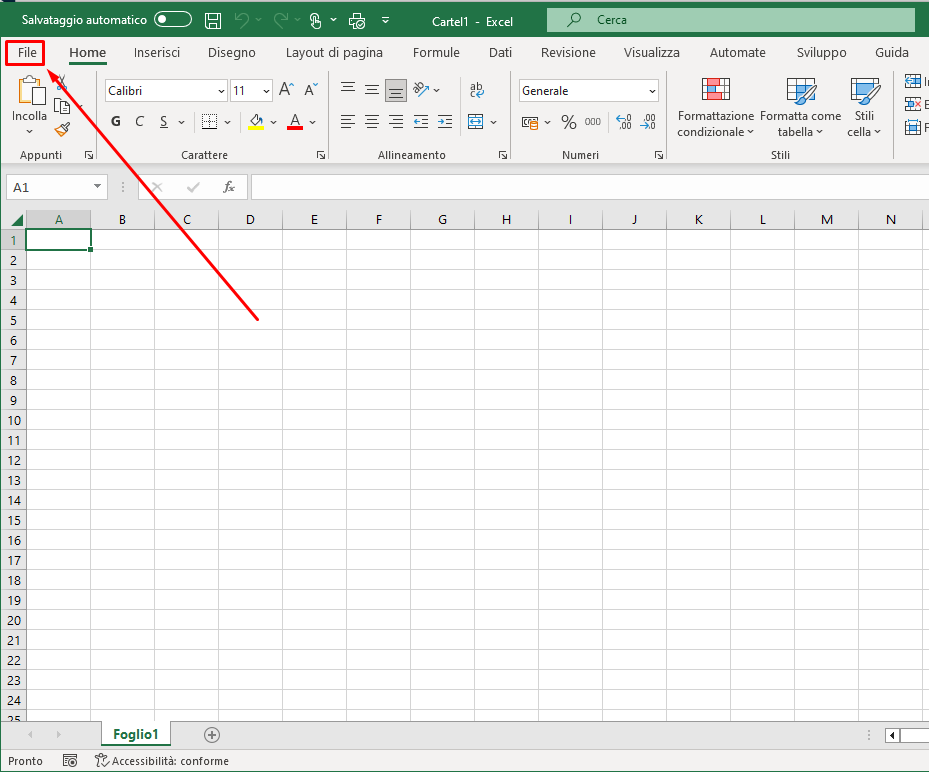
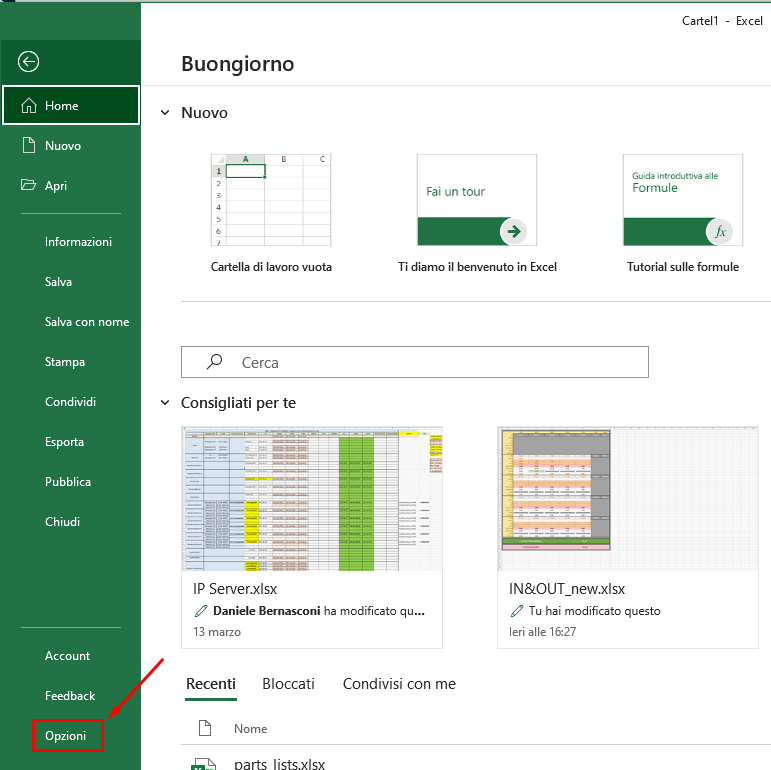
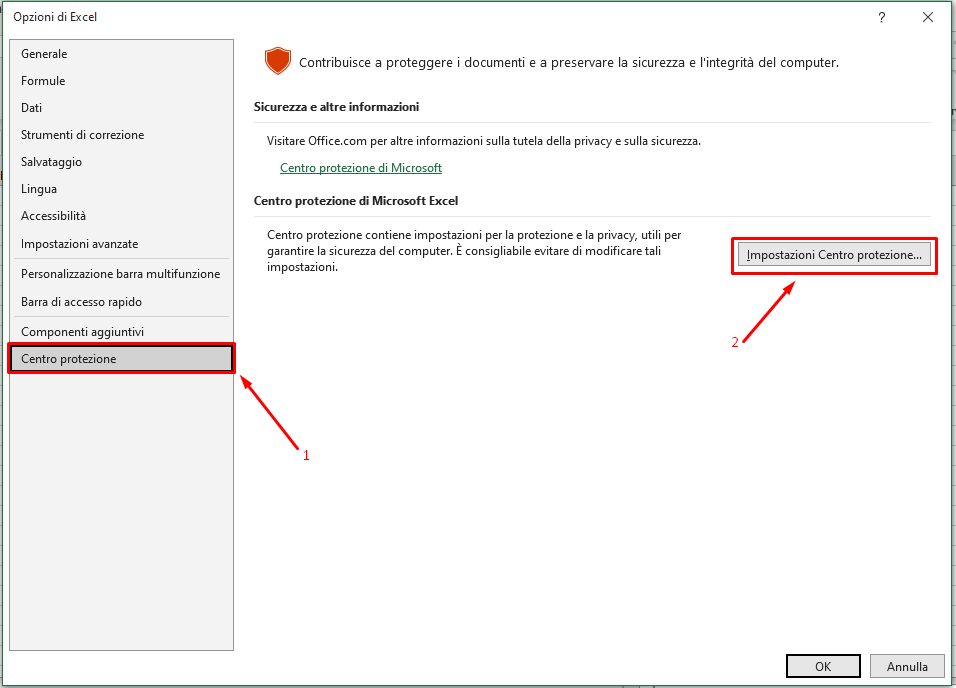
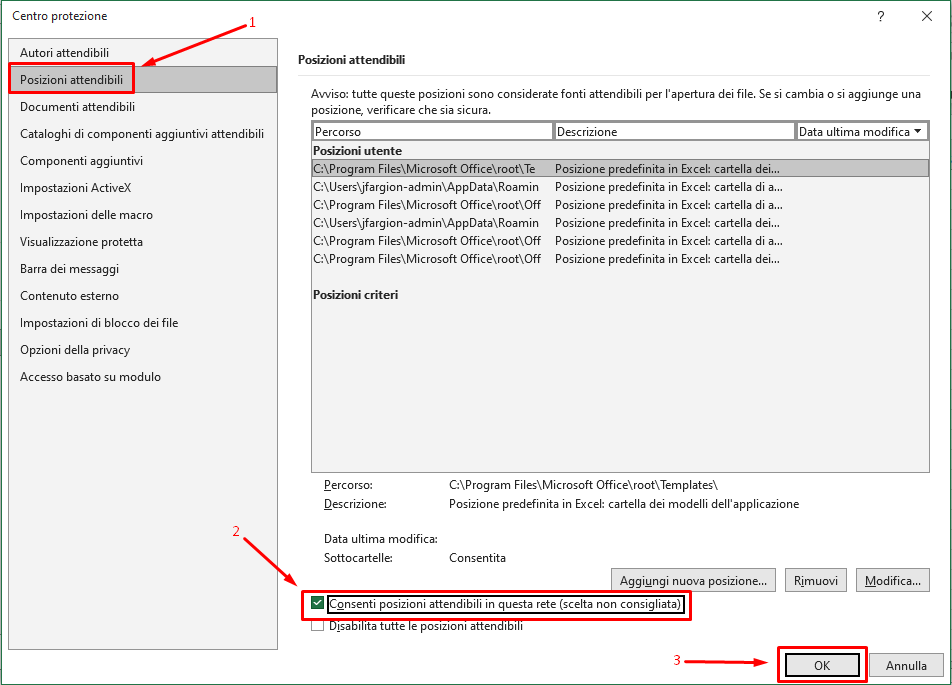
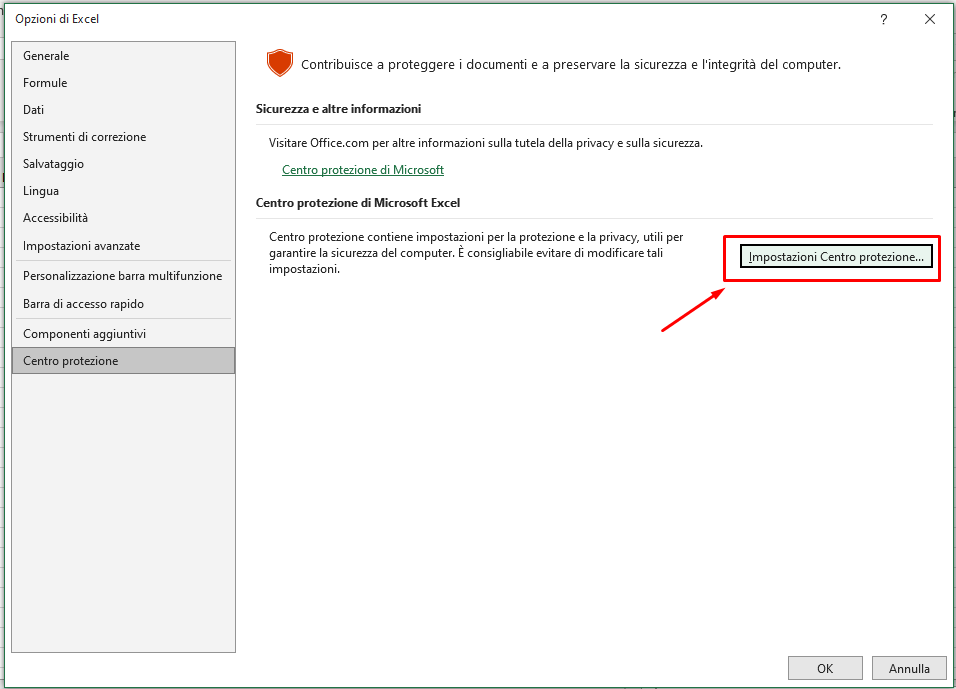
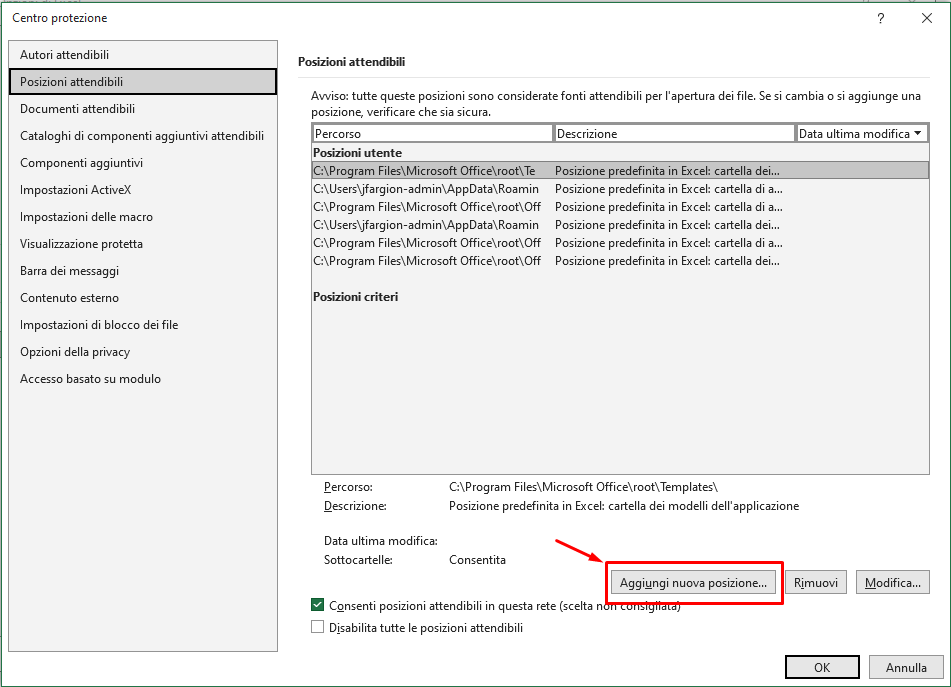
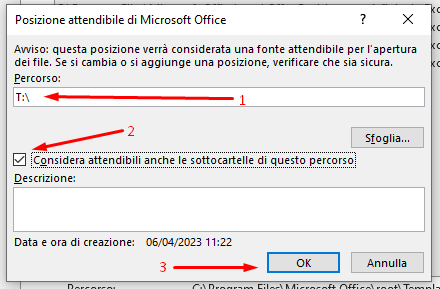
to enable this functionality in Microsoft Excel, we need to perform some modification in “Internet Explorer Option”.
Click on the start button and digit:
Internet Explorer Option
and open:

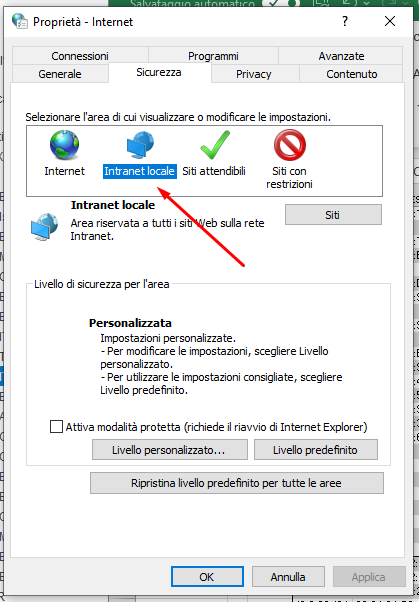
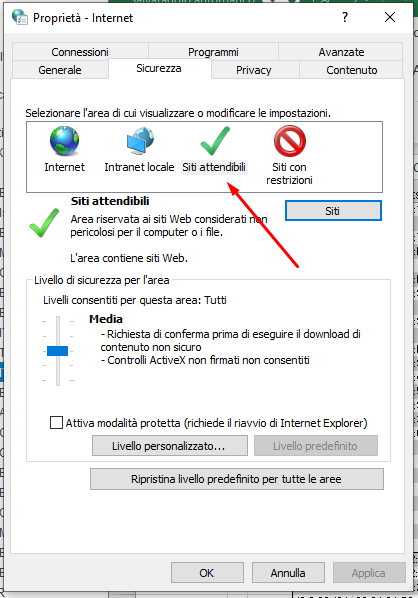
in that window, click on Security
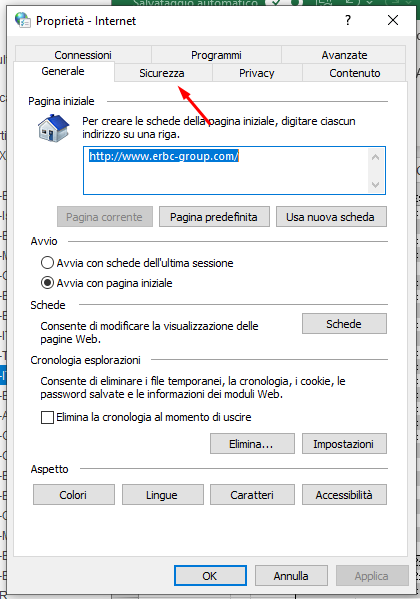
click on “Local Internet”
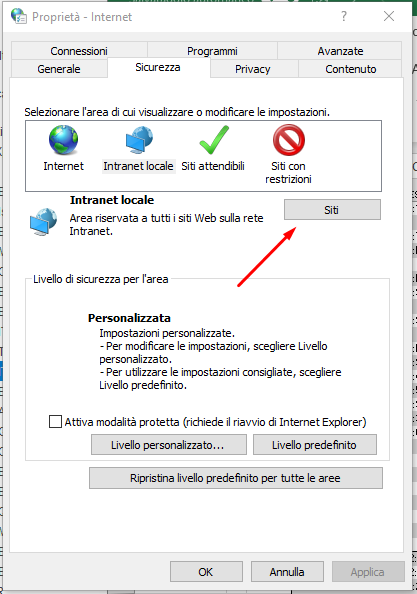
and after click on “Site”
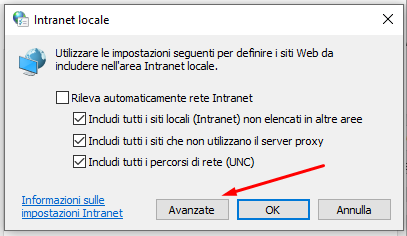
now click on “Advanced”
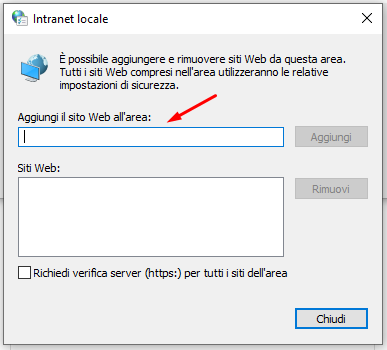
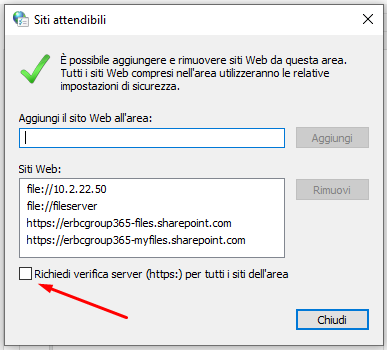
now you need to add:
file://10.2.22.50
and
file://fileserver
in that field
after that we need to do the same setting in the “Trusted sites”
But before inset the value in the field we need to remove the toggle from “require veried servers..”
If the problem persists…