To prevent your Linux system from suspending or going into hibernation, you need to disable the following systemd targets:
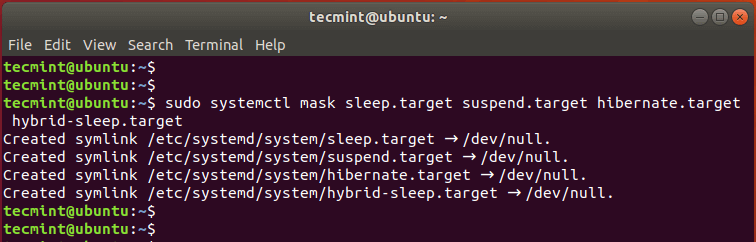
sudo systemctl mask sleep.target suspend.target hibernate.target hybrid-sleep.target
You get the output shown below:
hybrid-sleep.target
Created symlink /etc/systemd/system/sleep.target → /dev/null.
Created symlink /etc/systemd/system/suspend.target → /dev/null.
Created symlink /etc/systemd/system/hibernate.target → /dev/null.
Created symlink /etc/systemd/system/hybrid-sleep.target → /dev/null.
Then reboot the system and log in again.
Verify if the changes have been effected using the command:
$ sudo systemctl status sleep.target suspend.target hibernate.target hybrid-sleep.target
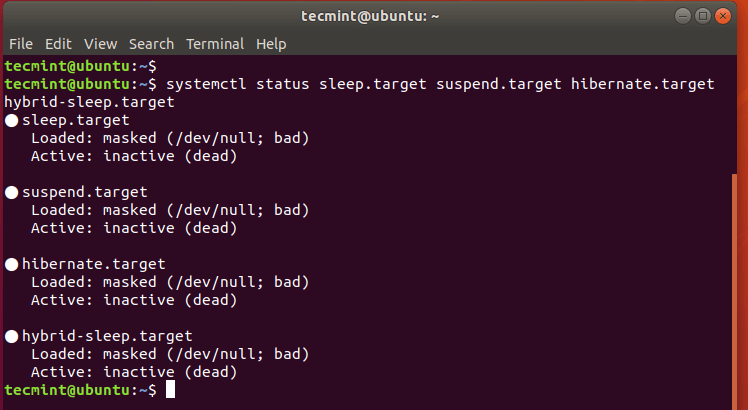
From the output, we can see that all four states have been disabled.