- Go to vSphere and launch webconsole of “Proxy” virtual machine.
- Inside the vm via terminal digit:
sudo su
sudo cp /home/erbc/docker-NGINX/letsencrypt/live/npm-23/*.pem /home/erbc/Desktop
sudo chown erbc /home/erbc/Desktop/*.pem
3. Now from your pc open Filezilla, connect to the proxy server via SFTP and copy all the .pem file from the Desktop of erbc user to your pc.
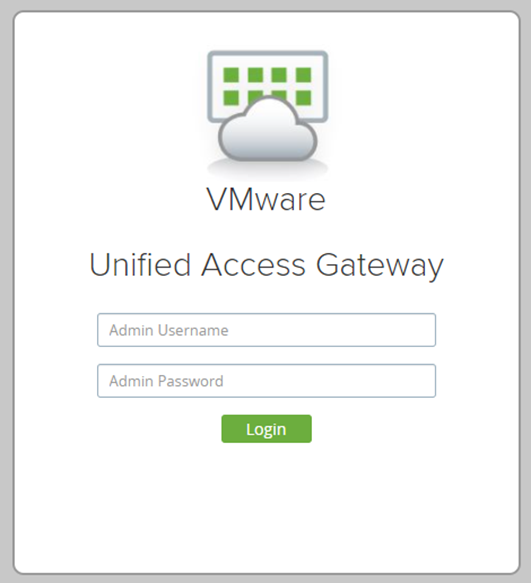
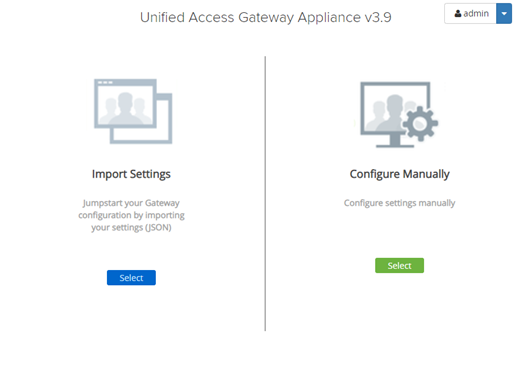
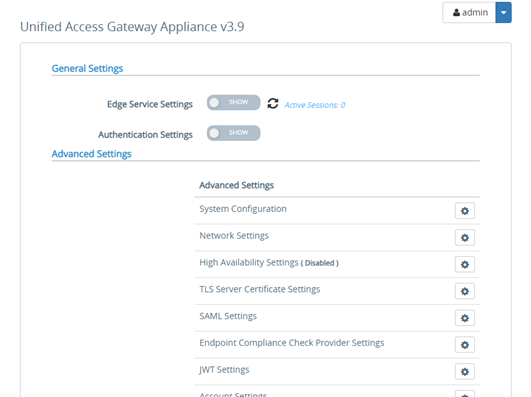
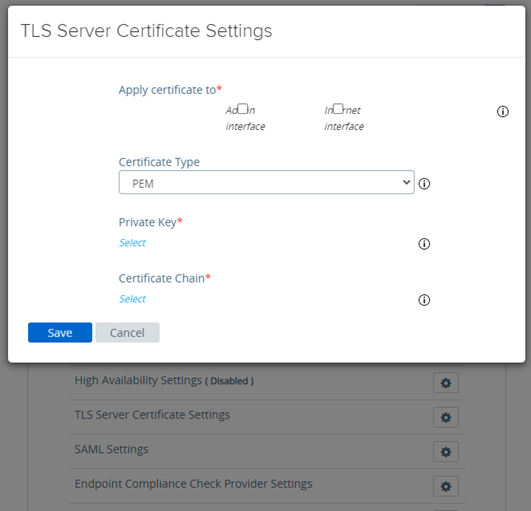
4. Upload cert.pem and privkey.pem to https://172.16.0.1:9443/admin/index.html#!/Login (vmware UAG)
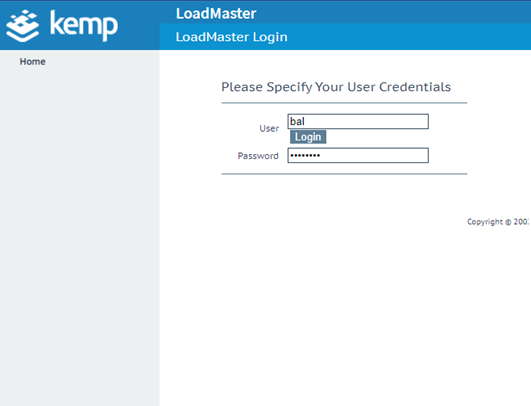
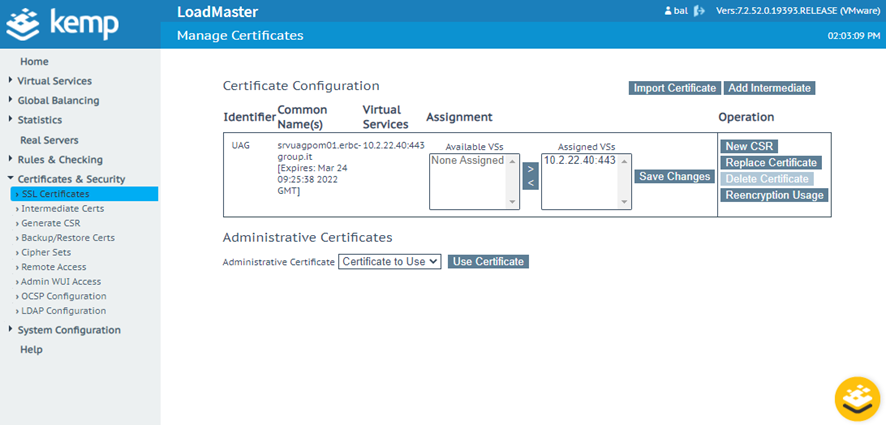
5. Upload cert.pem and privkey.pem to https://10.2.22.38/ (Kemp LoadBalancer)